
I kept automating every room and then waking up to a higher bill and a mess of apps. The fix came when I started asking one simple question about each device, does it save energy or just create more clicks. Once I set that rule, switches went, scenes stayed, and the house felt smarter without being busier. That mistake-shift is what these nine ideas are built around.
These ideas are not a whole-house overhaul or a geek-only setup. They are practical, renter-friendly where possible, and aimed at people who want visible design plus real savings. Expect projects that range from 15 minutes to a weekend, budget picks and midrange options, and a mix of plug-and-play items and small installs. I tested many of these after trying them in three rentals, so the focus is on low-damage installs and clear payback.
1. Layered Scenes With Tunable Bulbs
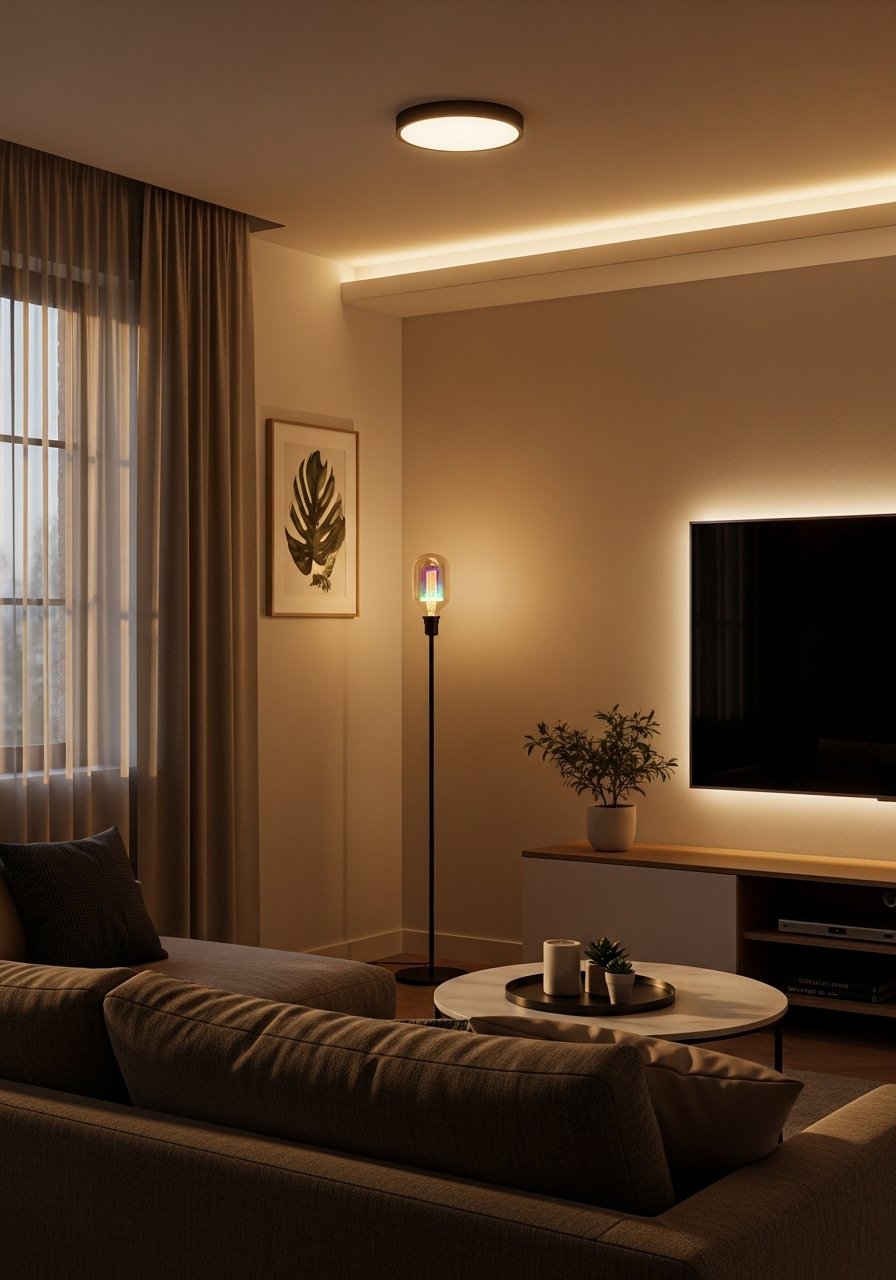
Start by picking tunable bulbs for each layer, warm white 2700K for ambient, 3000K for task, and a 250-400 lumens reading lamp. The visual trick is scene presets that lower ambient by 30 percent and boost task light to 80 percent, so rooms feel dimmer overall but usable. That cut in ambient output is where you save energy while keeping mood. This works for renters and owners, and takes 20 to 45 minutes per room. I use programmable smart bulbs for scenes and a compact dimmable floor lamp for focused reading.
Mistake to Avoid: Relying on one bright overhead fixture and skipping task lamps, which wastes light and electricity.
2. Thermostat Routines That Actually Save
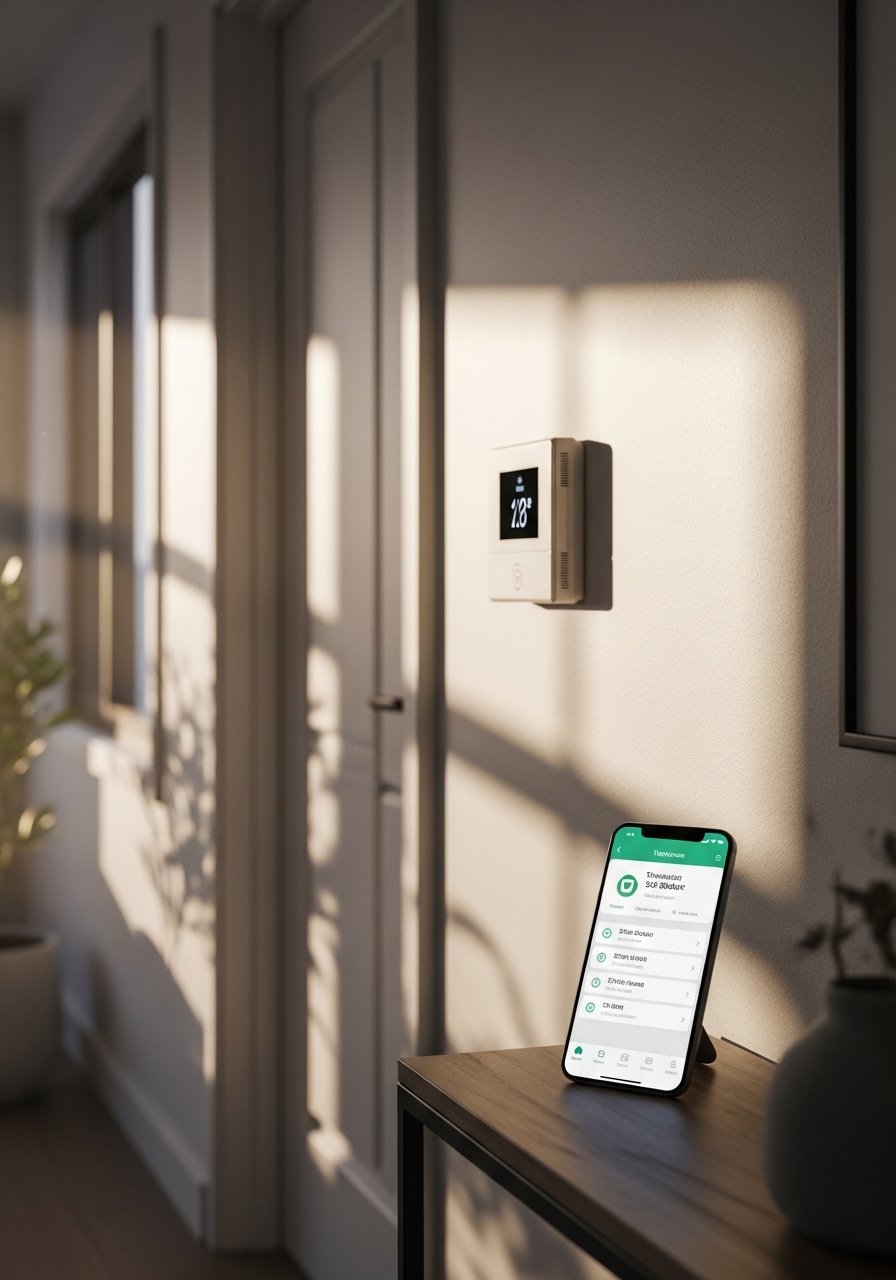
A smart thermostat paid for itself when I stopped heating empty rooms. Aim for a 7 degree setback overnight and automate based on local sunrise and sunset rather than fixed clock times. Geo-fencing that pauses heating when everyone leaves is useful, but set a 10-minute delay to avoid false triggers. This is a medium-skill install if you replace existing wiring, but many models have retrofit kits. Use a reliable smart thermostat and pair it with a smart temperature sensor in the coldest room for balanced comfort.
Mistake to Avoid: Lowering the thermostat manually each night and forgetting to set it for vacations, which loses the automation benefit.
3. Metered Smart Plugs For Real Usage Data
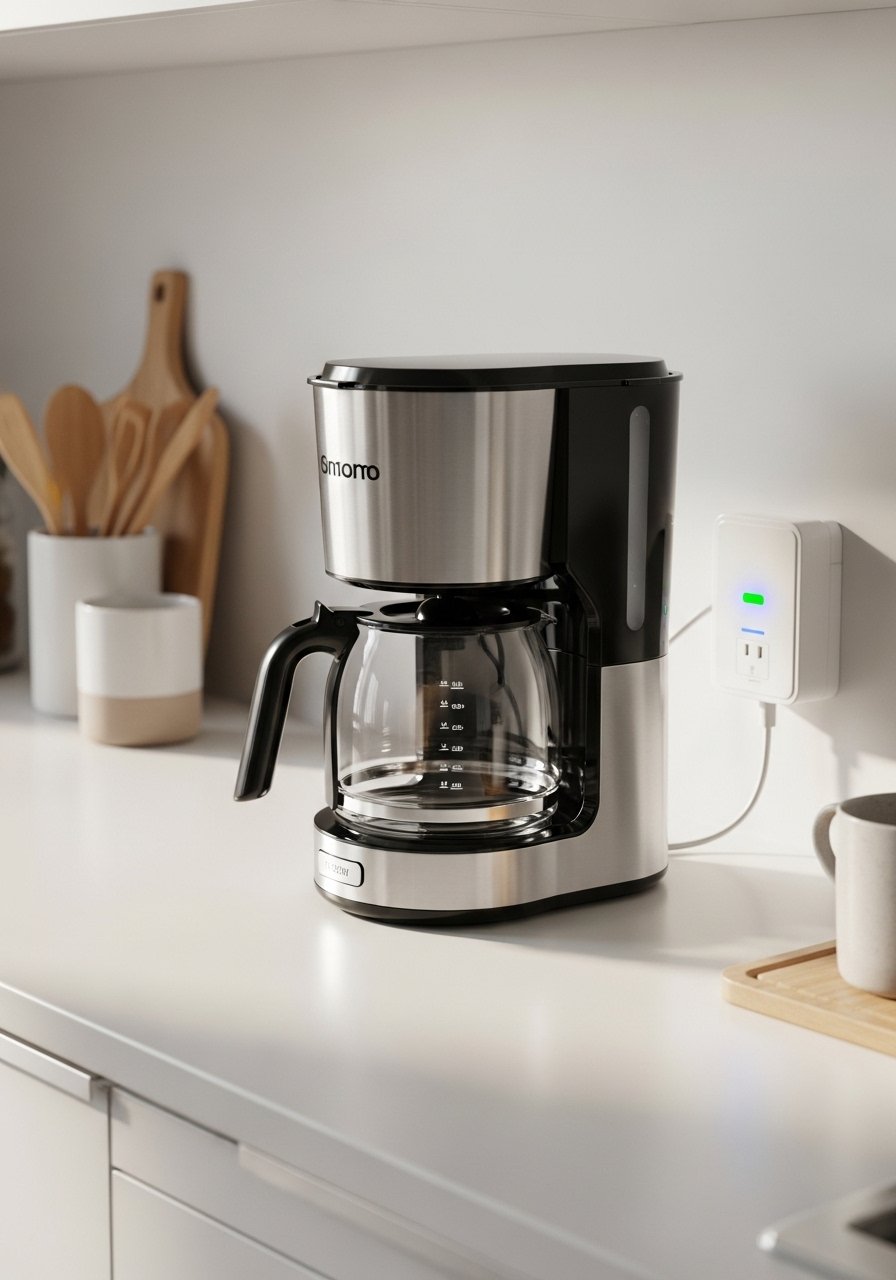
A metered smart plug reveals what draws power. Look for plugs that report at 15-minute intervals and show historical use so you can detect vampire loads. Plug high-draw but schedule-friendly appliances like dehumidifiers and space heaters into these, then set off-peak timers. This is a cheap, no-install way to start saving today and it fits renters perfectly. I put a metered smart plug on the old coffee maker and a small smart surge strip on my home office gear.
Mistake to Avoid: Buying non-metered plugs and guessing usage, which keeps you in the dark about true energy hogs.
4. Low-Profile Wireless Sensors For Renters
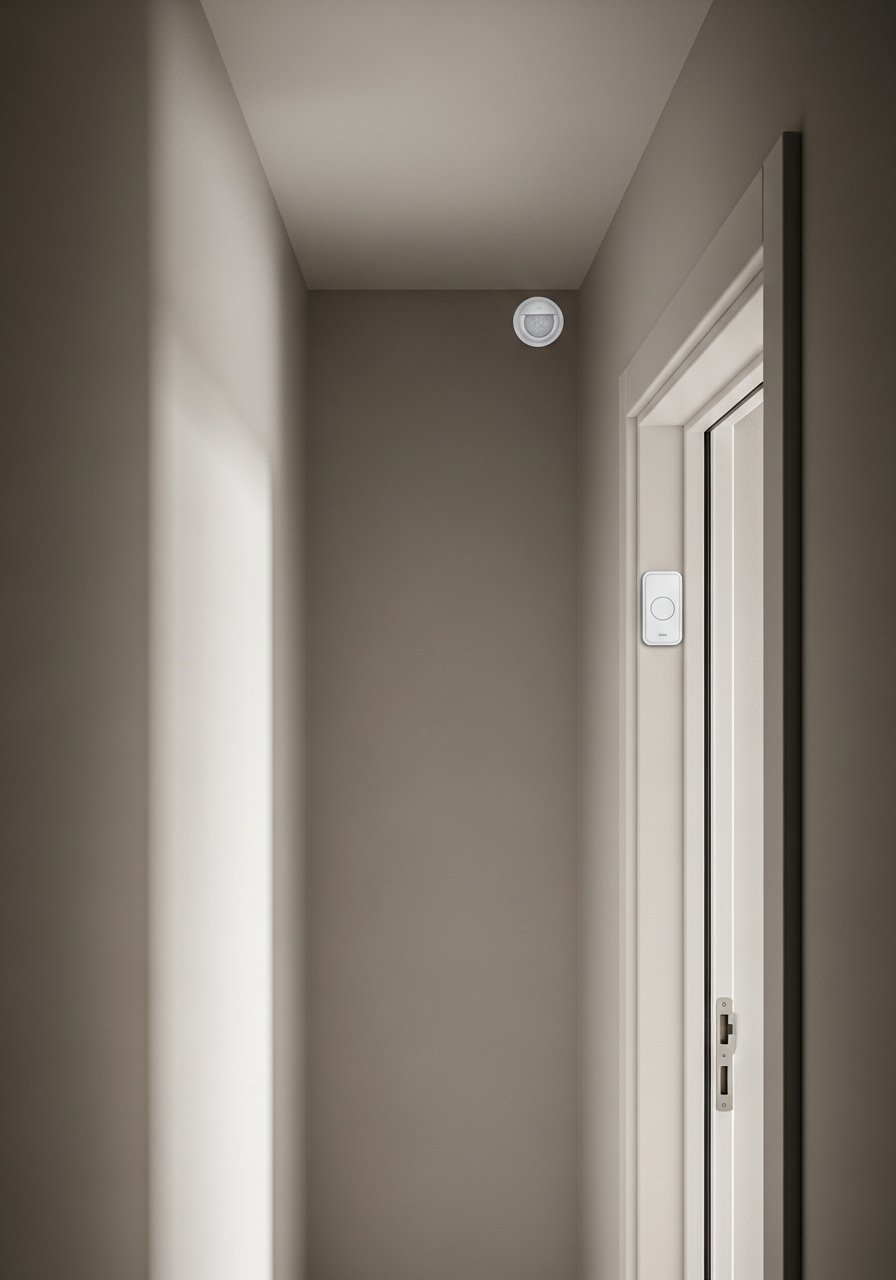
If you rent, look for battery sensors with low-profile mounting plates and paint-friendly adhesives. Place motion sensors 7 to 9 feet high angled slightly down for reliable detection without false triggers from street traffic. Use contact sensors on the most used doors and set automations like lights on at entry and HVAC pause on an open-window event. These are quick installs that keep walls clean. I hid a peg-sized motion sensor behind a shelf and it works like magic without holes.
Mistake to Avoid: Mounting sensors too low where pets or plants cause false triggers.
5. Wall-Mounted Control Tablets For Fewer Apps
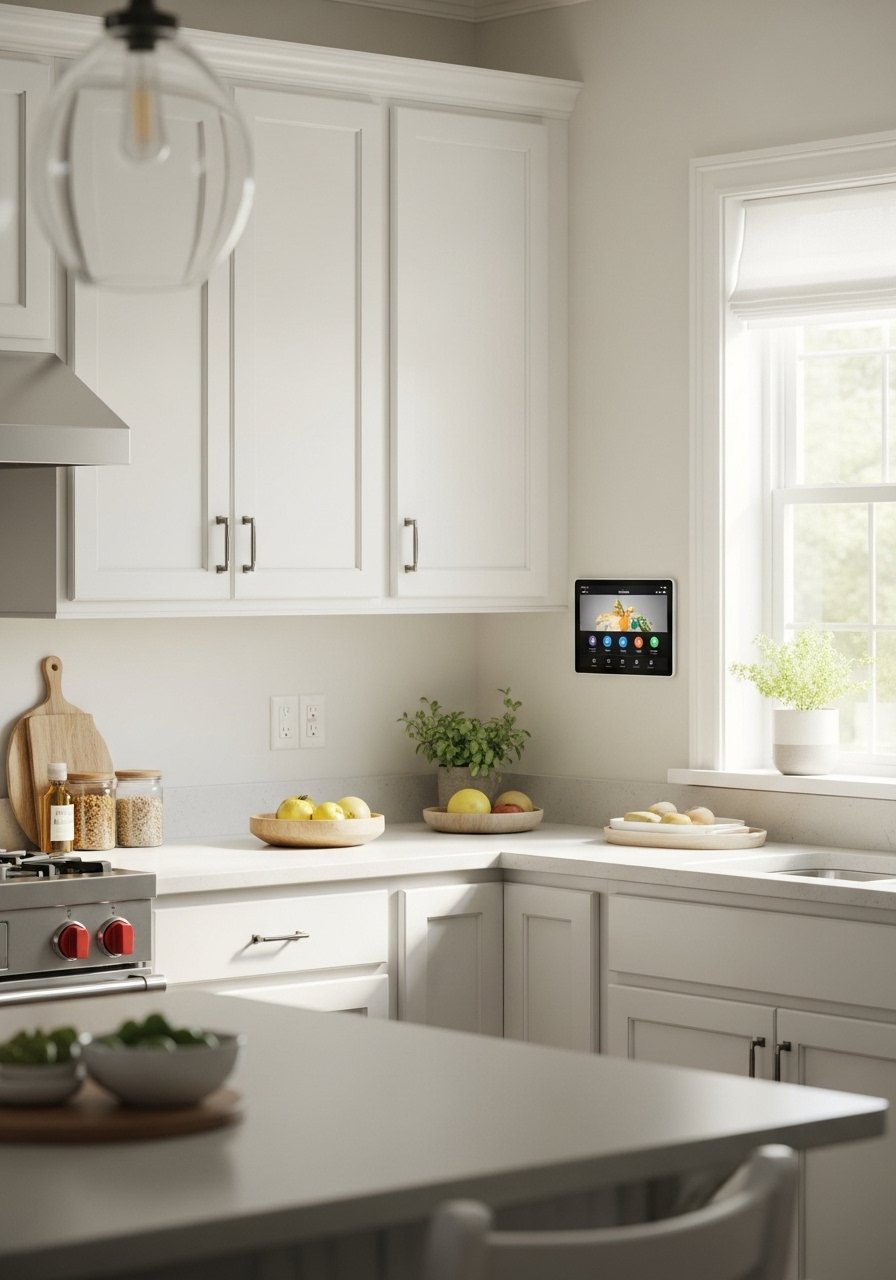
A single mounted control tablet reduces app clutter and makes scenes visible to everyone in the house. Mount at about 48 inches from the floor so kids and adults can reach it. Use a lightweight tablet with a wall cradle and enable a single-dashboard app that covers lights, thermostat, and security. This is a small install with big UX payoff, especially for households where not everyone wants to juggle an app. Try a low-cost tablet for wall mounting and a slim magnetic mount.
Mistake to Avoid: Mounting the tablet too high so it becomes decorative instead of functional.
6. Retrofit Shades That Run On Batteries

Motorized shades no longer require rewiring. Measure window width and choose a motorized retrofit kit sized to your roller type, leaving about 1/4 inch tolerance for smooth travel. Battery models often last six months to a year between charges depending on cycles. Schedule shades to close at peak sun to cut cooling loads, and use soft fabric to keep daylight while blocking heat. This is a weekend project for someone comfortable with a drill. I installed a battery motor retrofit kit and a matching solar-blocking roller shade.
Mistake to Avoid: Buying the wrong bracket type for your existing shade tube and returning kits after wasted attempts.
7. Power-Strips With Load Sensing For Appliances
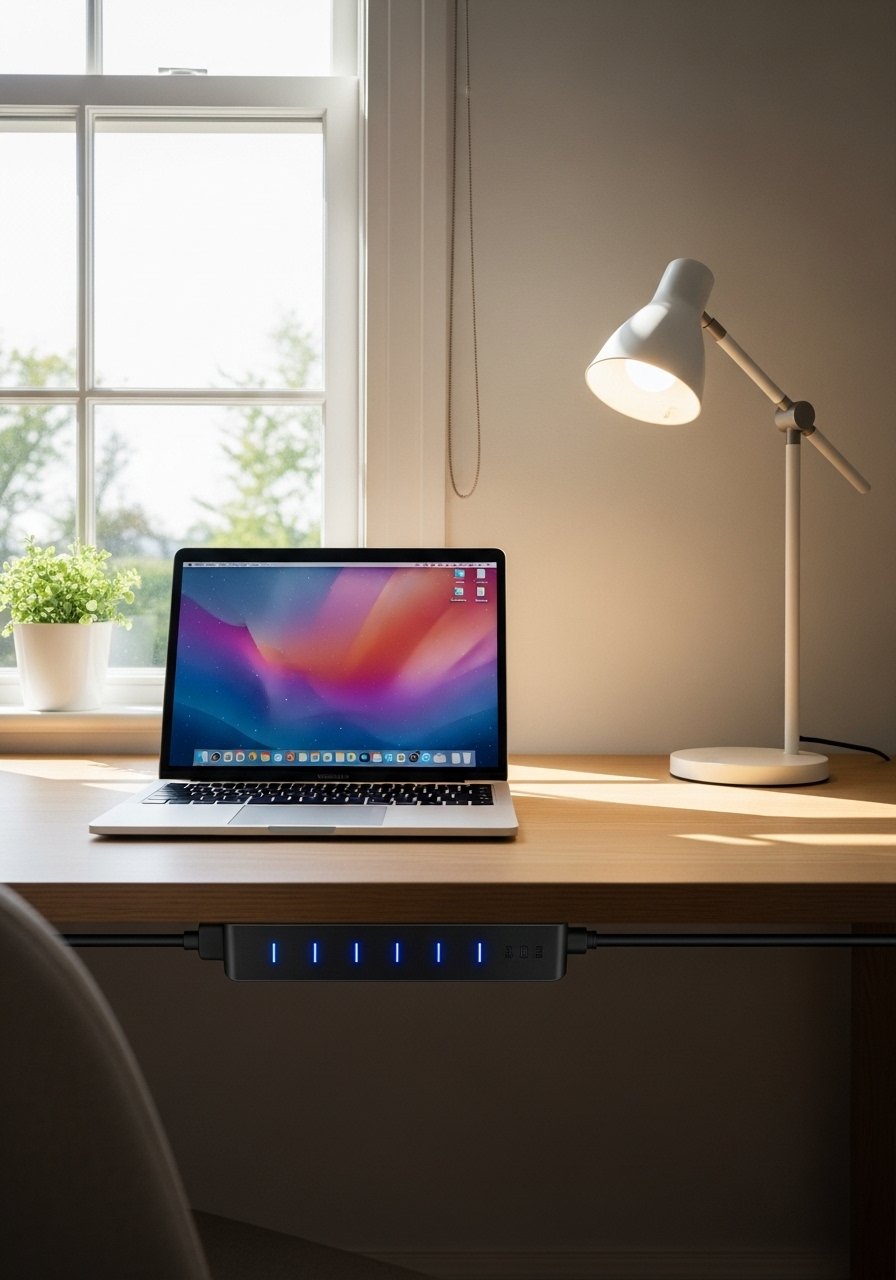
Not all power strips are equal. Choose one with individual outlet control and load sensing so the strip can cut power to peripherals when the master device turns off. That prevents standby draw across chargers and printers. Schedule heavy tasks, like charging a battery backup or running a slow cooker, to off-peak hours. This is a 10-minute setup and can save noticeably on monthly bills. I use a load-sensing smart power strip with two controlled outlets for my desk and printer.
Mistake to Avoid: Plugging everything into a non-smart strip and leaving phantom loads running all day.
If any of these product types have you ready to shop, here are the basics I keep on hand.
Smart Kit For Renters And Small Homes
Lighting & Switches:
- programmable smart bulbs (~$12-30) for layered scenes.
- dimmable floor lamp (~$45-90) for task light.
Climate & Sensors:
- smart thermostat (~$100-250).
- wireless temperature sensor (~$20-40).
Power & Automation:
- metered smart plug (~$15-35).
- load-sensing power strip (~$30-70).
Windows & Controls:
- motorized blind retrofit kit (~$80-200).
- tablet wall mount kit (~$20-60).
Small Habits That Cut Monthly Costs
Thin schedules beat manual toggles every time. Set morning and evening scenes so devices change automatically, and use a smart scheduling app to avoid forgetting.
Grab a metered smart plug. Start by monitoring one suspect appliance for a week before automating it.
I stop heaters and window ACs using a smart strip during midday when sunlight heats rooms naturally, not when the room is cold. A smart power strip makes that easy.
Most people tuck sensors behind plants for aesthetics, which kills range. Mount a compact motion sensor on the wall instead so it sees the whole room.
Charge the tablet you use as a wall controller on a weekly schedule, not constantly. A slim USB charger keeps the dock powered without phantom draw.