
I kept buying glossy white desks because they looked like the photos, then watched coffee rings and pencil marks make the whole setup feel cheap. The moment I swapped the urge for perfect match with one stain-hiding surface, the room stopped trying so hard and actually worked for me. That tiny, practical choice made the whole setup feel curated instead of staged.
After trying these layouts in three rentals, I learned a few rules that make a setup feel intentional without costing a small renovation. These nine options are for people who want a functional workspace that photographs well and lasts through messy days. Budget ranges from under $100 for small upgrades to a couple hundred for furniture pieces. Expect renter-friendly solutions, small-space swaps, and practical lighting notes you can install during a lunch break.
1. Minimal Desk With Hidden Storage
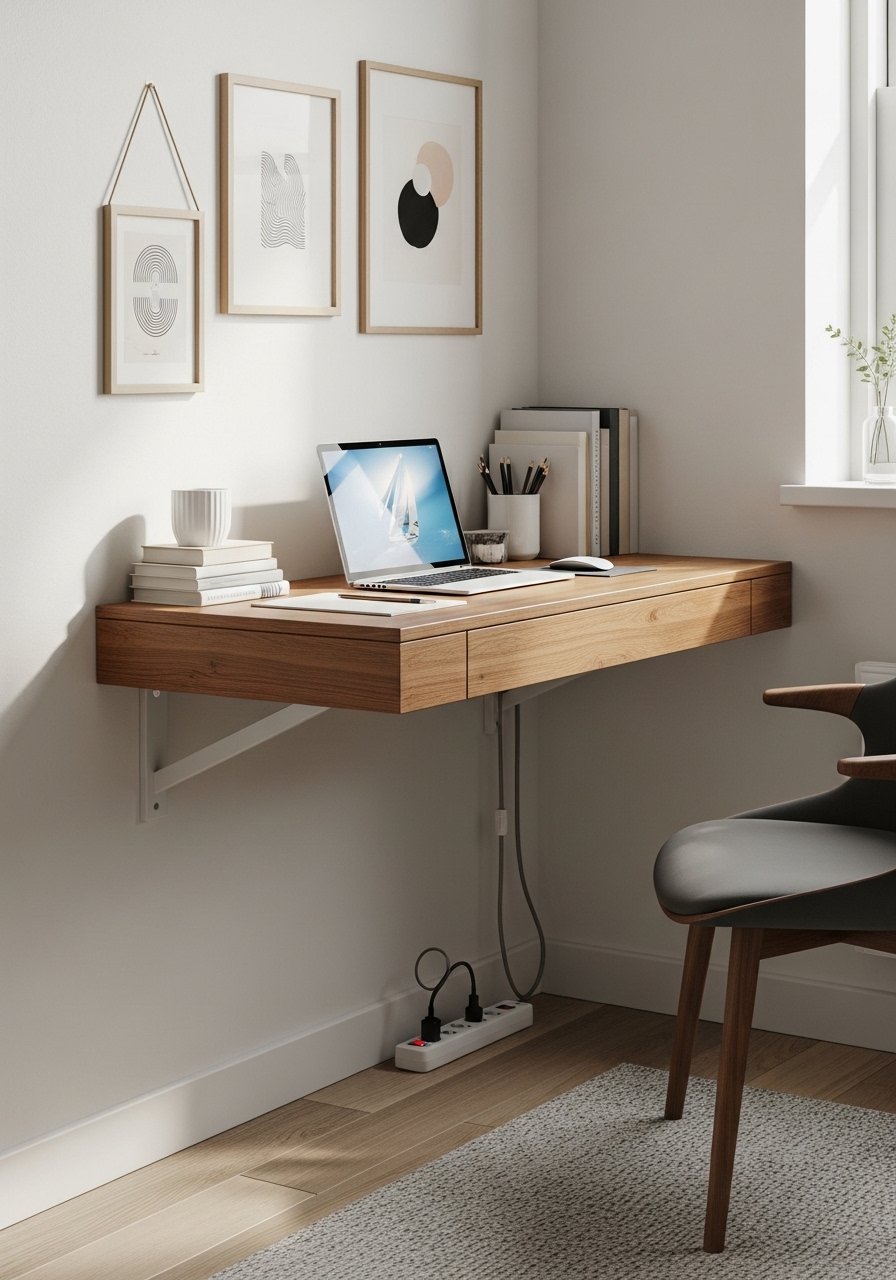
The key here is depth control. A 24 to 30 inch desk keeps the surface from feeling cavernous in small rooms, and an under-desk drawer saves the top for work and a small lamp. This look reads clean because everything that usually clutters a tabletop lives out of sight. It suits people who value a calm screen-to-room ratio, and it is quick to assemble. I use an under-desk drawer that clips on and slides out, the kind you can attach without drilling, paired with a low-profile desk mat for a tactile surface. One practical note, set your monitor riser so the top of the screen is level with your eyes. That single adjustment stopped my midday neck ache.
Mistake to Avoid: Leaving power bricks and chargers loose under the desk so they create a heat and dust trap.
2. Cozy Corner With Layered Lighting
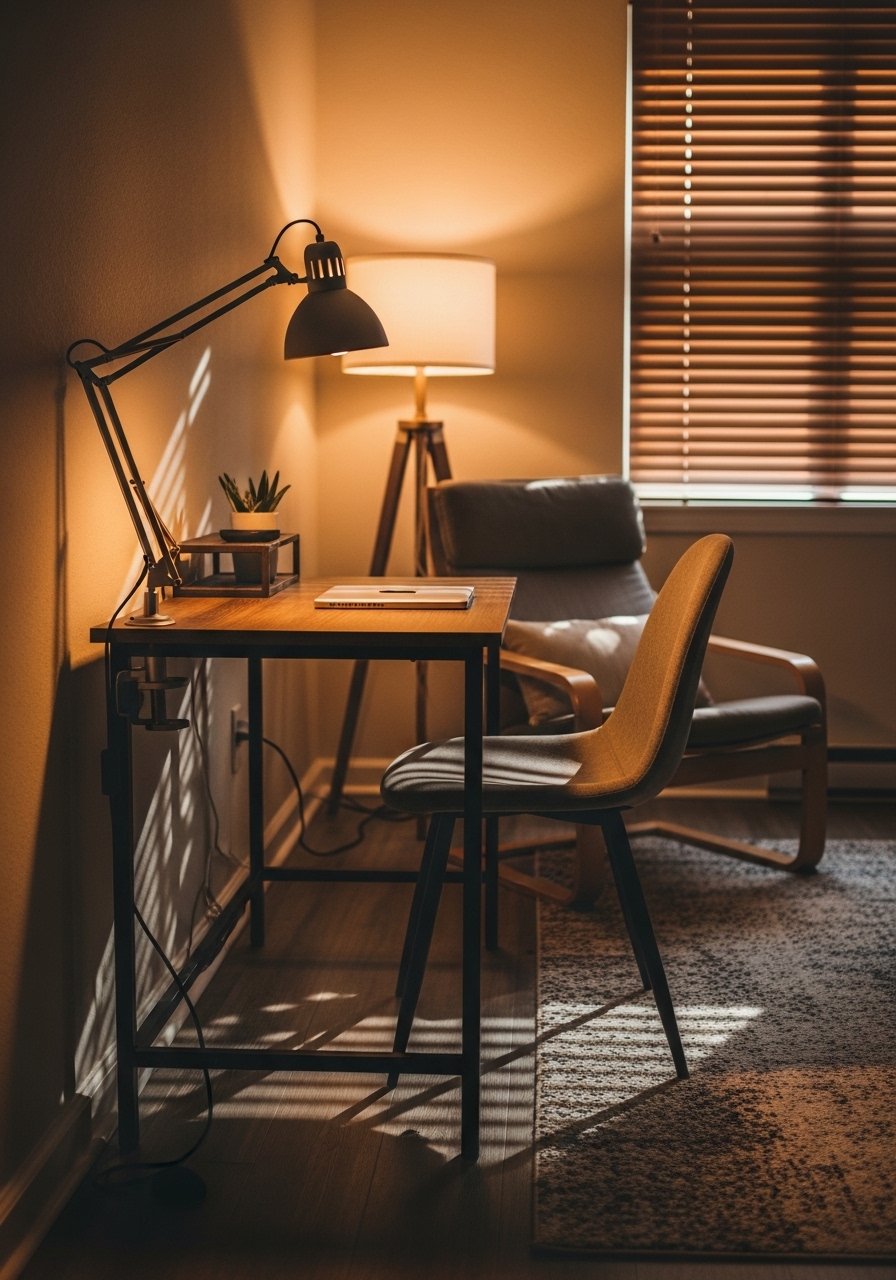
This setup trades a big desk for a well-lit nook. Layer lights: a warm 2700 to 3000K floor lamp for ambient fill, plus a focused 4000K task lamp for the keyboard and notebooks. The contrast stops screen glare and softens skin tones on video calls. It’s ideal for people who juggle calls and reading, and it can be built with used lamps and a thrifted rug to keep costs low. I space my lamps so one provides indirect backfill roughly two feet behind the monitor. That little spacing trick reduces harsh shadows on video.
Mistake to Avoid: Putting one bright light directly behind the monitor, which creates glare and flattens your face on camera.
3. Gallery Wall With Functional Shelving
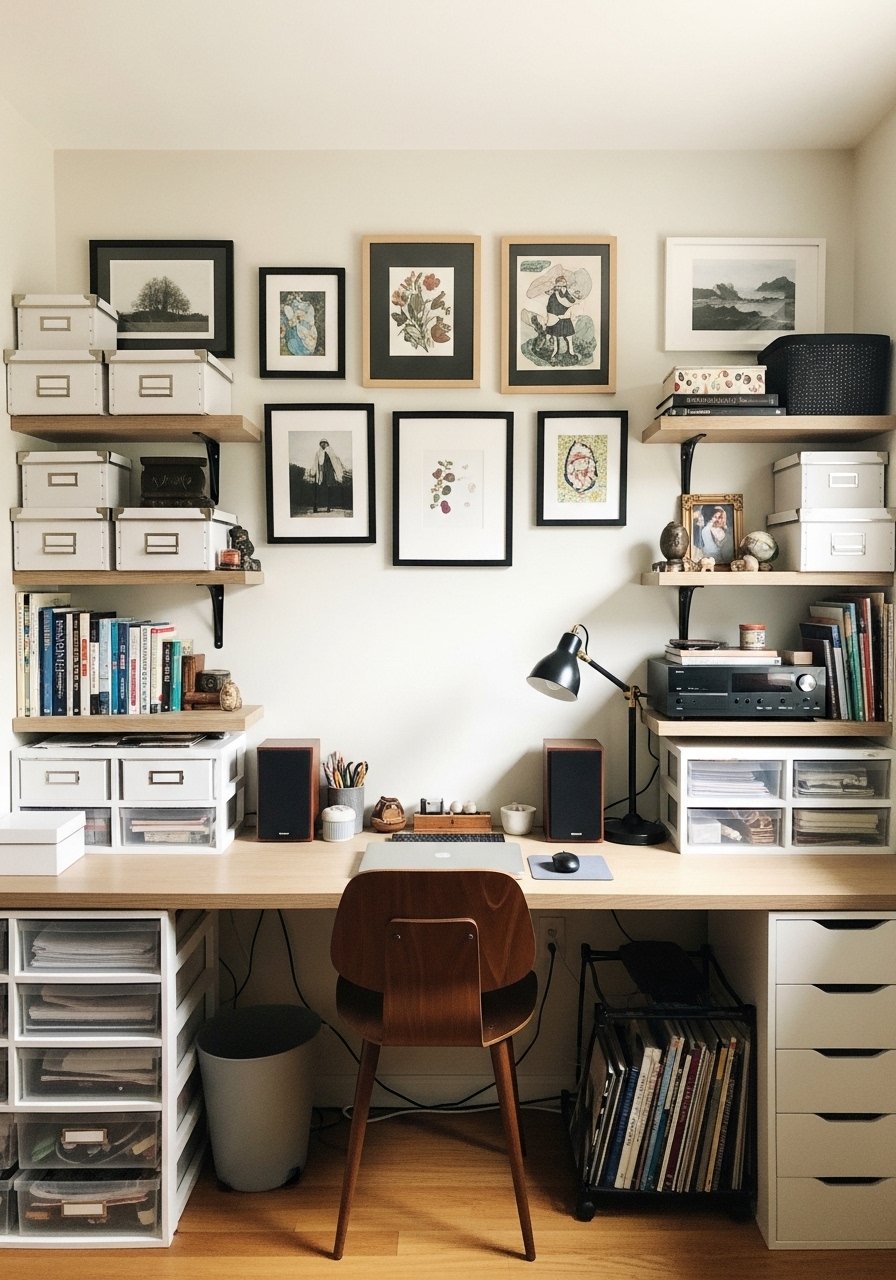
If you work with papers and props, make your wall a storage display. Shelves spaced 12 to 14 inches apart allow room for books and a lamp. Mix closed boxes for receipts with three framed prints to avoid the "office supply spill" look. This is for visual people who want everything accessible but not on the desk. Use slim floating brackets to keep the silhouette clean. I label boxes on the inside rather than the spine, that way the front looks tidy even when the contents change.
Mistake to Avoid: Overfilling shelves so they look cluttered from video calls.
4. Standing Desk Nook With Rug Anchor
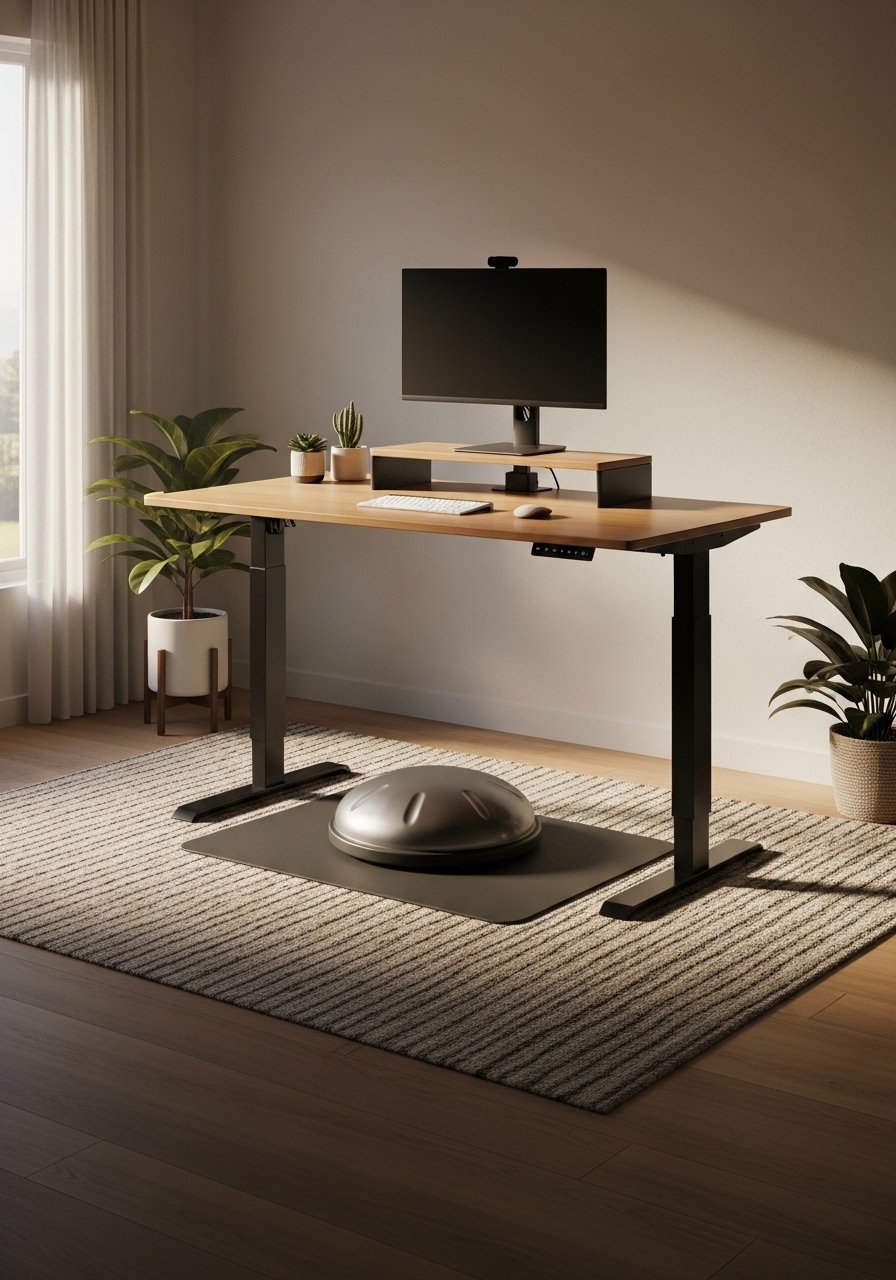
Standing desks can read cold. Anchoring the area with a soft rug and a small plant makes it feel intentional. Aim for a rug that leaves 8 to 10 inches visible around the chair footprint so rolling and stepping feel natural. A balance mat reduces fatigue and keeps posture engaged. This works for people with back discomfort or anyone who benefits from alternating positions. Tip: set the screen so the top sits at eye level when standing, and take a five-minute sit break every 45 minutes.
Mistake to Avoid: Raising the desk without adjusting the monitor, which causes forward neck bend.
5. Window-Facing Desk For Natural Backdrop
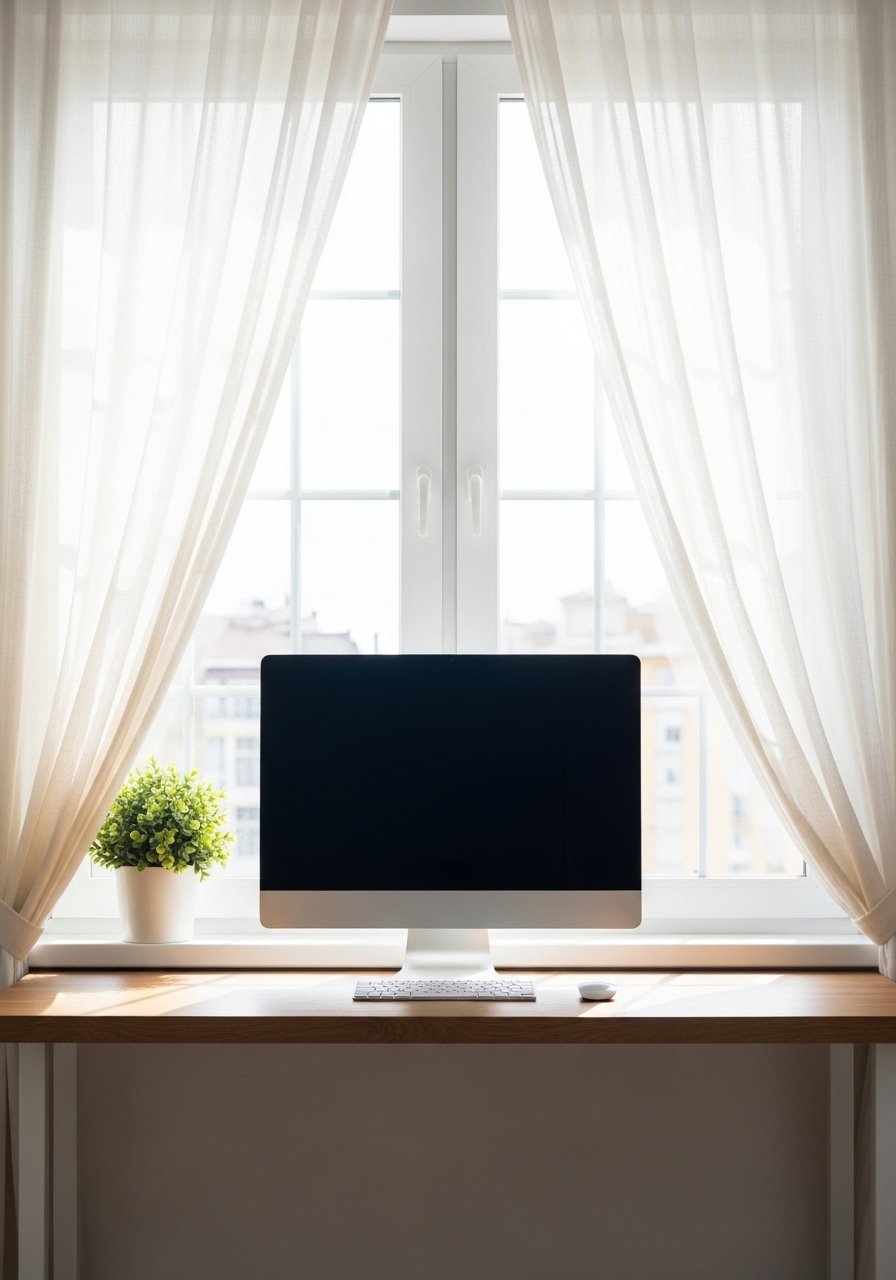
I used to face the wall because I thought it looked professional. Facing the window gave me better light and a more relaxed video background. Use light diffusing curtains to stop direct sun from washing out the screen. Position monitors slightly off-center to reduce reflections, and keep a medium-toned screen background to balance brightness. This suits creatives and writers who want changing scenery and high morning light. Plan for an adjustable blind so you can cut the light when the sun hits midday.
Mistake to Avoid: Putting your monitor flush with the glass where reflections make the screen unreadable.
6. Acoustic Panels That Double As Art
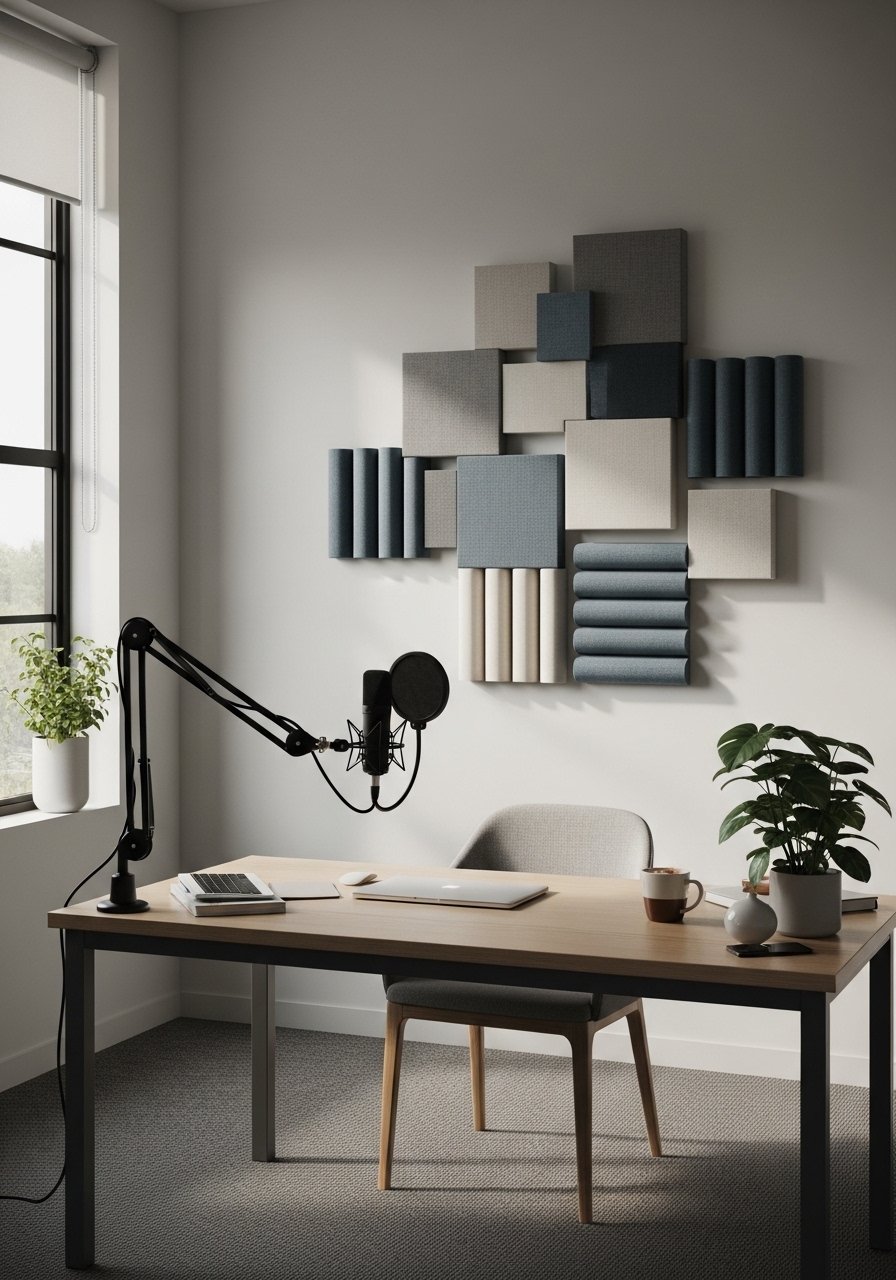
Competitors skip acoustics because they think foam looks ugly. Use fabric-wrapped panels in three muted colors and hang them like frames to tame echo and read chic. Place panels opposite your speaking position and behind the monitor for the best voice pickup. This is a particularly good fix if you do frequent calls or record. The panels cut reverb significantly and the layered fabrics add depth to a wall that otherwise feels flat.
Mistake to Avoid: Sticking cheap foam on the wall in a single patch, which looks amateur and does little for sound.
7. Cable Management As Design
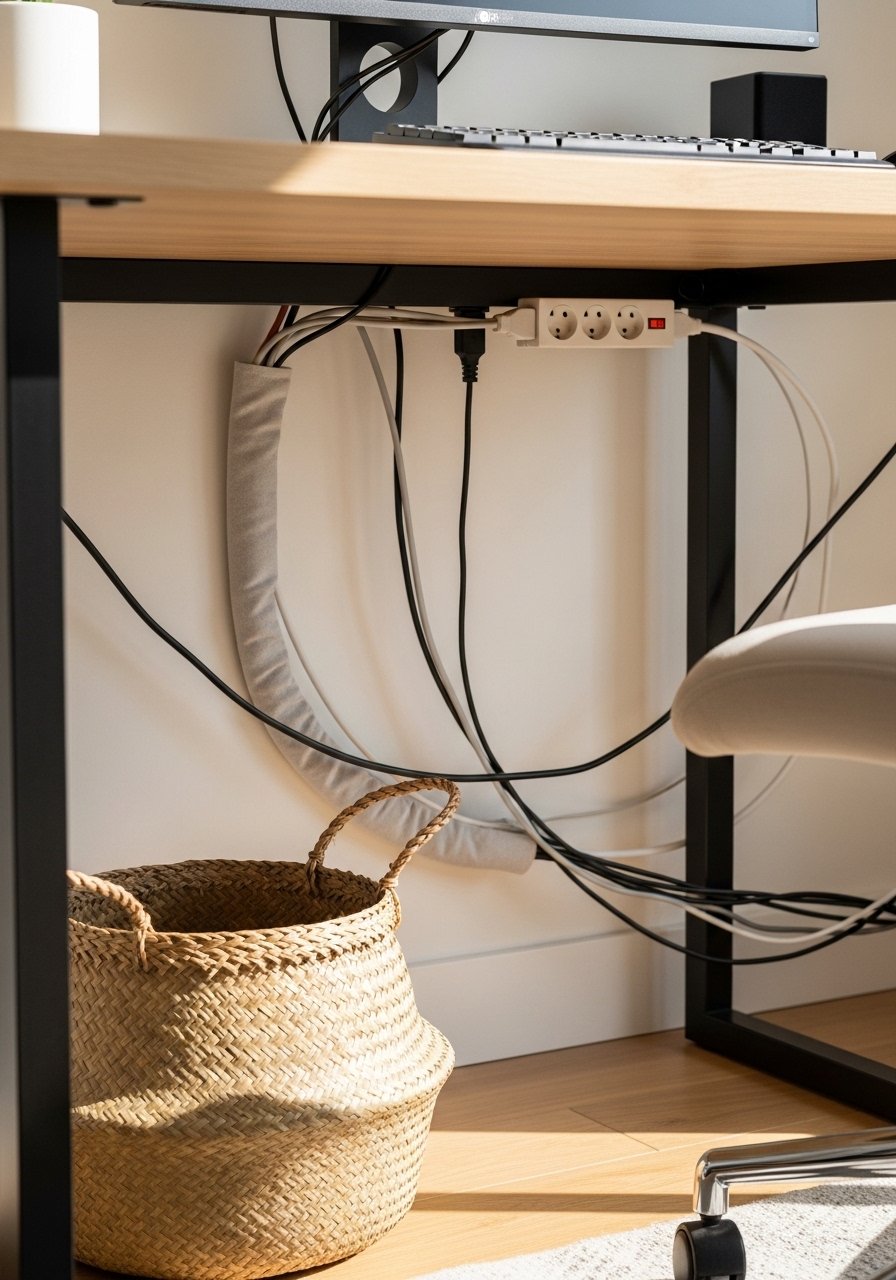
Cable clutter kills an aesthetic faster than mismatched mugs. Make cables a deliberate line. A fabric cable sleeve creates a soft vertical line down to a mounted power strip, and a woven basket hides the excess. For monitors, run cables along the desk leg and secure them with velcro ties every 6 to 8 inches. This is a low-cost move that suits renters and people who switch gear often because it is reversible and modular.
Mistake to Avoid: Using adhesive clips on painted walls without testing, which peels paint when removed.
If any of these ideas have you ready to actually shop, here are the things I reach for every time.
Desk Setup Buying List
Furniture & Storage:
- an adjustable standing desk (~$150-350), solid starter if you want height flexibility.
- an under-desk drawer (~$25-60), clips on or mounts with minimal tools.
Lighting & Sound:
- a warm clamp task lamp (~$30-70) for focused, adjustable light.
- fabric-wrapped acoustic panels (~$60-120 for a set) that look like art.
Cable & Surface:
- a cable management sleeve (~$12-20) to keep cords neat.
- a monitor riser stand (~$20-50) to get screens to eye level.
Soft Goods & Greenery:
- a low-profile area rug (~$40-120) to anchor the desk.
- a faux fiddle leaf plant (~$25-60) for life without maintenance.
Calm Setup Habits That Stick
Keep a three-item desktop rule. Pick a lamp, a plant, and a single tray for daily papers. Add a small desk tray to corral loose items so the surface reads intentional not cluttered.
Grab a microfiber screen cloth. Wiping the monitor and lamp shades weekly keeps reflections usable on calls and saves you from frantic midday cleanups.
Move your chair and monitor once a week like a checklist item. A cheap ergonomic office chair with lumbar support prevented my late-afternoon slump after one small adjustment.
Most people pile chargers on a power strip. Instead, use a mounted power strip under the desk and route cords into a sleeve. It takes ten minutes and keeps the floor tidy.
If you do one quick thing before calls, angle an extra lamp to the front-left at 45 degrees. A portable clip-on LED lamp solves harsh shadows and makes your background look intentional.